 0:09
0:09Aesthetic glow effct
388.5K uses1 clip
Category · 28 templates
This aesthetic CapCut template collection gathers soft, slow and clean edits: pastel colour grades, gentle film grain, quiet music and very little text. Use them for room tours, cafe visits, sky clips, journaling and slow mornings.
Each template opens in the CapCut app from its page, with a preview, a Use Template button, a backup link and a QR code. Check the duration on the card, since calm edits often run longer than beat-sync ones and need steadier footage.
 Most used hereAURA3.7M uses · 12 clipsOpen template
0:09
Most used hereAURA3.7M uses · 12 clipsOpen template
0:09 0:22
0:22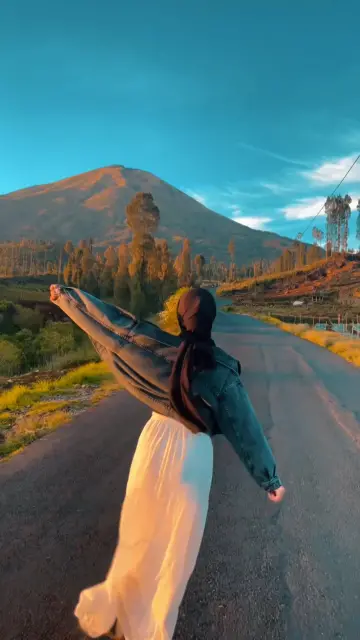 0:23
0:23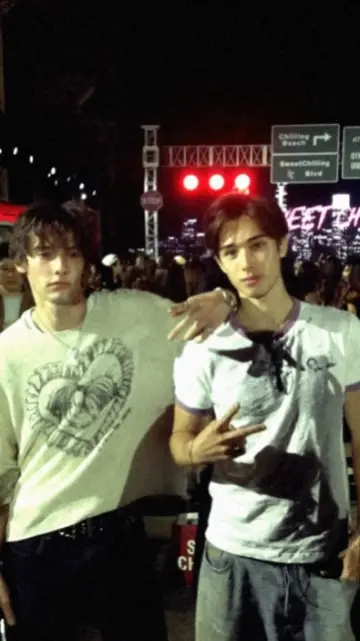 0:18
0:18 0:24
0:24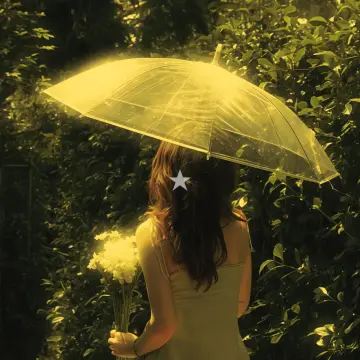 0:20
0:20 0:14
0:14 0:320:13
 0:07
0:07 0:17
0:17 0:14
0:14 0:24
0:24 0:15
0:15 0:14
0:14 0:33
0:33 0:27
0:27 0:26
0:26 0:22
0:22 0:17
0:17 0:24
0:24 0:13
0:13 0:10
0:10 0:13
0:13An aesthetic CapCut template is a ready-made edit built around mood rather than speed. Cuts are slower, colours are softer and text is small or missing. Where a beat-sync template cuts every half second, a capcut aesthetic template may hold one shot for two or three seconds and let it breathe. The goal is a feeling: calm, cosy, nostalgic or dreamy.
| Style | What it looks like | Clips that work |
|---|---|---|
| Soft pastel | Lifted shadows, pink or peach tint | Flowers, desserts, bedroom corners, morning light |
| Film grain | Fine noise, faded blacks, warm cast | Street walks, trains, old photos, travel |
| Clean minimal | White space, neutral colours, tiny text | Desk setups, books, coffee, plain walls |
| Golden hour | Warm orange glow, long shadows | Sunsets, rooftops, fields, hair in the wind |
| Night calm | Deep blue tones, soft lights | Fairy lights, city windows, rain on glass |
If you want a stronger movie feel with wider frames and darker contrast, look at the cinematic CapCut template page instead.
One short line is plenty: a date, a place or three words about the day. Use a thin or handwritten font, keep it small and place it away from the bottom of the screen, where app buttons sit.
Lo-fi beats, soft piano, rain sounds or a slowed song suit this style. Keep the volume gentle and avoid sudden drops that break the calm mood.
Most aesthetic templates already lift the shadows and soften contrast. If your clip was very bright or filmed in HDR, the result can turn grey and flat. Lower the exposure in your camera app before filming, or switch off HDR video for these clips. You can also reduce the strength of any extra filter you add. For control over colour alone, the CapCut filter template collection lets you apply a grade without changing your cuts.
Editor tip: Aesthetic edits pair well with everyday footage. A mini vlog CapCut template turns the same slow clips into a short day-in-my-life story, while the fantasize CapCut template trend adds a dreamy glow. Browsing on a laptop? Scan the CapCut template QR code on each page to open it on your phone.
Look for templates with slow crossfades or gentle zooms and a clip count that matches your photos. Soft pastel and film grain styles suit photos well, because they hide small exposure differences between pictures. Skip fast beat-sync templates if you want a calm photo story.
Film in soft light, move the camera slowly and lower the contrast a little in the CapCut editor. Add a warm or pink filter at low strength and use one small line of text. A template simply does these steps for you, with the timing already set.
The style is built on mood, so each shot stays on screen longer. Slow cuts give viewers time to notice light, texture and colour. That is also why steady, well-lit clips matter more here than in fast trend edits, where quick cuts hide small mistakes.
Yes. Travel footage often suits film grain and golden hour templates. Pick wide views, slow walks and small details like tickets, food or train windows. Keep each clip at least five seconds long, so the template can use the calmest part of the shot.
Most aesthetic templates come with soft music already synced. If you change it, lo-fi beats, piano, acoustic guitar and slowed songs fit the mood. Keep the volume low and respect music rights by choosing songs from the platform's own library when you post.
Yes. Templates open inside the CapCut app on both Android and iPhone, as long as the app is available in your country. Colours can look slightly different between phones, so check the preview on your own screen before you export at 1080p.


 CinematicMovie-style edits with black bars, rich color, wide shots and golden light.46 templates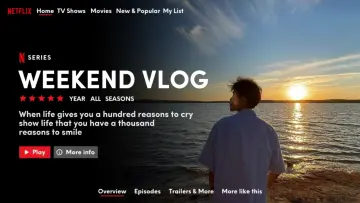

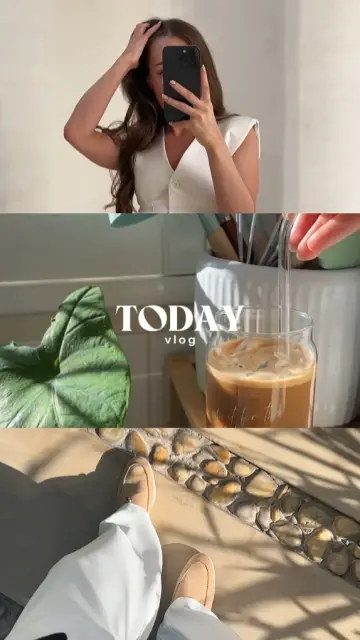 Mini VlogShort vlog templates for daily life, trips and study days, built from small moments.44 templates

 FantasizeSoft, glowy pastel templates with slow zooms, plus tips on light and photo choice.19 templates

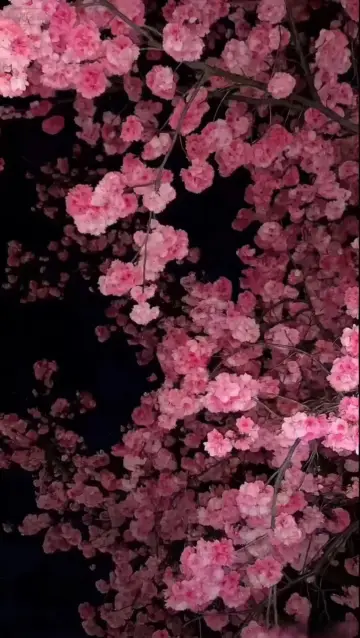 FilterColor-grade templates: vintage, film, warm, moody and clean phone looks.41 templates
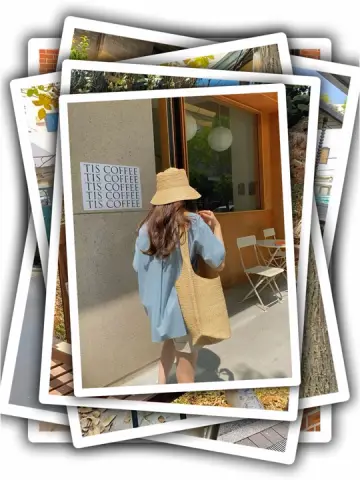
 Photo DumpFast beat-synced recaps for your month, a trip or a whole year of photos.38 templates
 GirlsSelfie beat-syncs, outfit transitions, makeup reveals and bestie reels for girls.26 templates

 iPhoneClean, bright iPhone-style edits, plus help using templates on an iPhone.21 templates

 Healing ThailandCalm, feel-good travel edits in slow motion or with a Hindi song, ready for your clips.50 templates