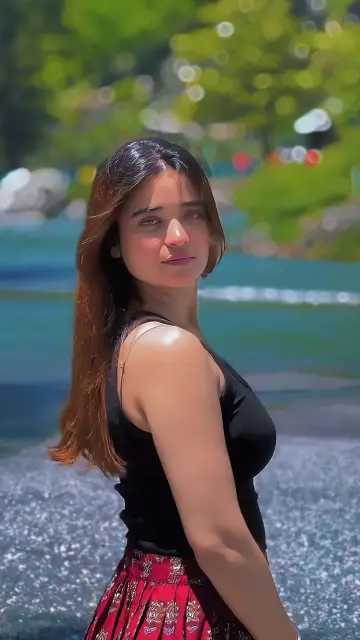
 0:14
0:14KOI JADU AE NEDA CH
193.9K uses2 clips
Category · 20 templates
Every CapCut template Gujarati song edit on this page is built around Gujarati music, so your Garba rounds, wedding clips and kite-flying videos land right on the beat. Choose a preview, add your clips and the template does the timing.
Cards show duration, clips and uses, and each template has a Use Template button, a backup link and a QR code for computers. Scroll down for occasion ideas, night filming tips and an easy way to type Gujarati script.
 Most used hereHeer BNY278.6K uses · 6 clipsOpen template
0:14
Most used hereHeer BNY278.6K uses · 6 clipsOpen template
0:14 0:17
0:17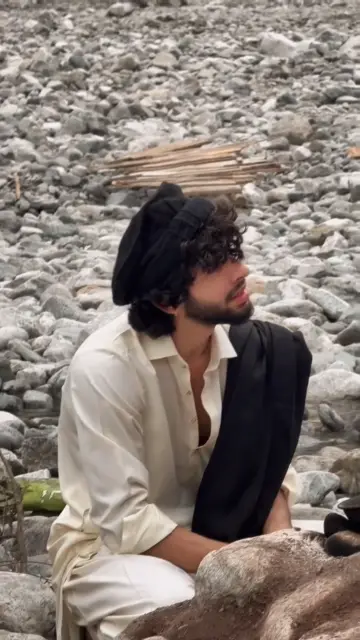 0:20
0:20 0:15
0:15 0:17
0:17 0:20
0:20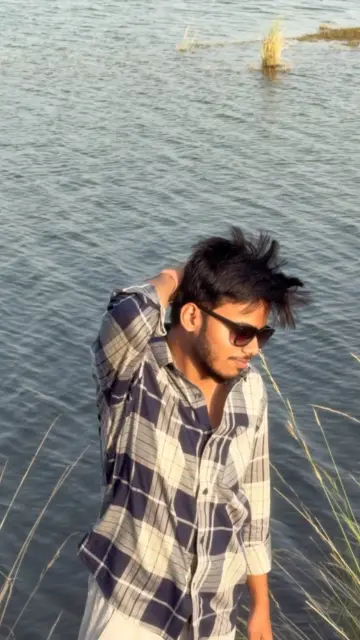 0:17
0:17 0:16
0:16 0:160:15
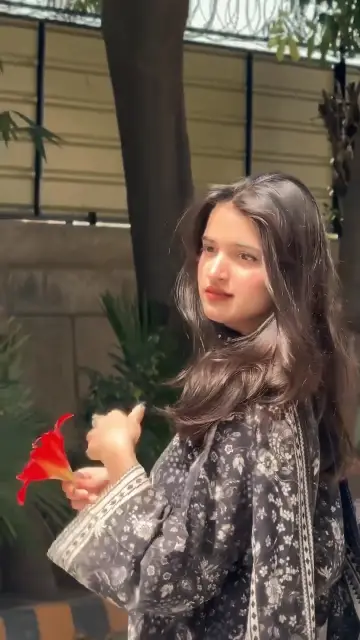 0:15
0:15 0:33
0:33 0:18
0:18 0:16
0:16 0:19
0:19 0:12
0:12 0:15
0:15 0:31
0:31 0:17
0:17 0:20
0:20A gujarati capcut template is a ready-made edit set to a Gujarati track, whether folk, Garba, wedding music or a modern Gujarati film song. The creator has fixed the cuts, text style and effects to the music, and you only bring the clips. Many people make them for Instagram Reels and WhatsApp status in festival season, but family events keep them useful all year.
Editor tip: Record a few seconds of just lights, decorations and the music stage. These fillers save any slot where your dance clip turned out shaky.
Inside a template, the song is chosen by the creator and is usually locked. If you want a particular track, look through the previews for a template that already uses it. We never print song words here, and you should not copy lyrics into your text either. Music rights also apply when posting, so some songs may be muted on Instagram or YouTube in certain regions.
At weddings and Garba nights, ask the family or the organisers before posting close-ups of guests, and keep children's faces private unless their parents agree.
Many Gujarati families enjoy Bollywood too, so the CapCut template Hindi song page is a natural next stop. Wedding dance clips often suit the bhangra beats in CapCut template Punjabi song edits. For Durga Puja and Bengali tracks, try the CapCut template Bangla song picks. New to all this? Our guide on how to use a CapCut template covers every step.
Pick a fast template with many slots, so you can fit dancers, dandiya and decorations. Open with a wide shot of the whole Garba circle, add close-ups of twirls in the middle and end with your group together. Clips filmed at 60fps look best when slowed.
Yes, for short highlights. Make one edit per function, such as haldi, mehndi or the baraat, rather than squeezing the whole wedding into one template. For a long wedding film, use the normal CapCut editor or a full editing app instead.
The template's font does not include Gujarati letters, so the phone shows empty boxes. Pick a template whose preview already shows Gujarati text, or type your line in English letters. You can also export first and add Gujarati text in the normal CapCut editor with a font that supports it.
CapCut has been blocked in India since 2020, so template links may not open there. Availability in other countries can change, and we do not share workarounds such as VPNs. Gujarati speakers abroad can use these templates wherever the app is available.
Yes. Film kites against a clear sky in the morning or late afternoon so colors stay bright. Stay well away from terrace edges while filming, and be careful with the sharp kite string, which can cut hands and is dangerous for riders on the road below.
Check the clip count on the template card first, then record a few more than that. Short clips of three to five seconds are easiest to use. Extra clips let you swap out shaky or dark ones without going back to the ground.

 Diwali & FestivalsFestival templates for Diwali, Holi, Eid, Navratri, Christmas and New Year wishes.28 templates

 Hindi SongBollywood song templates in romantic, sad, slowed and retro moods.55 templates

 Punjabi SongBhangra dance, dhol beat drops, swag walks and wedding edits on Punjabi tracks.31 templates
 Bangla SongBangla and Bengali song edits for Eid, Pohela Boishakh, Durga Puja and weddings.20 templates

 Bhojpuri SongBhojpuri dance beat-syncs, slow motion edits and lyric-style text templates.80 templates
 CoupleSplit screen, anniversary, pre-wedding and cute everyday couple edits for two.56 templates

 BirthdayHappy birthday wish edits for family, friends and partners, ready before midnight.53 templates
 PhotoPhoto-only CapCut templates with 3D zoom, parallax and beat flashes. No video needed.72 templates