 0:20
0:20My Man
8.1K uses5 clips
Category · 56 templates
Find a CapCut template couple edit here for anniversaries, pre-wedding shoots, split screen duets and cute everyday moments, each ready to open in the CapCut app. Some templates are built for two people filmed together, others place two separate clips side by side.
On a computer? Scan the QR code on a template page and it opens on your phone. Watch the preview first to see whether it shows you together in each clip or one person per slot, then pick your footage.
 Most used hereLove You My Partner1.4M uses · 2 clipsOpen template
0:20
Most used hereLove You My Partner1.4M uses · 2 clipsOpen template
0:20 0:14
0:14 0:12
0:12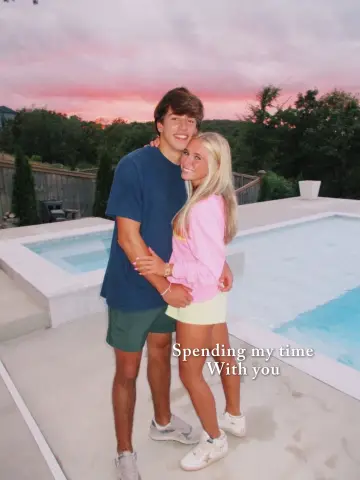 0:07
0:07 0:21
0:21 0:09
0:09 0:07
0:07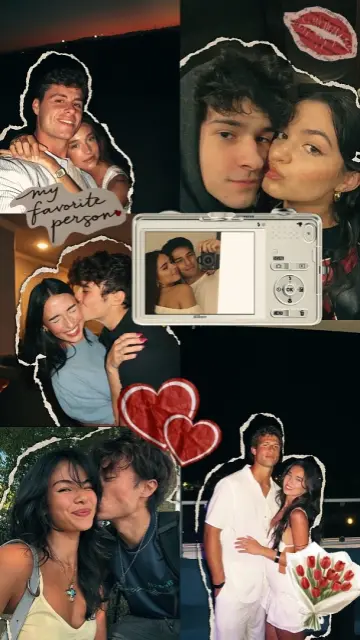 0:26
0:26 0:10
0:10 0:13
0:13 0:12
0:12 0:08
0:08 0:14
0:14 0:07
0:07 0:08
0:08 0:13
0:13 0:07
0:07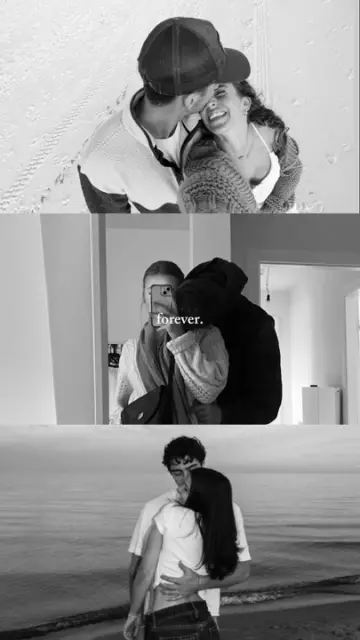 0:07
0:07 0:08
0:08 0:08
0:08 0:22
0:22 0:13
0:13 0:26
0:26 0:15
0:15Before you post any couple template capcut video, ask your partner. A clear yes matters more than a surprise. Some people are happy for close friends to see it, but not a public account.
Talk about where it will go (a story, Reels, Shorts or a private chat), whether family will see it and whether you will delete it later if asked. Consent still counts after a breakup: remove shared edits if your ex asks you to.
A good couple capcut template does three things: it shows both faces clearly, its rhythm matches your mood, and it leaves room for one short line of text. Cute templates use bouncy beats and stickers. Romantic ones slow down with soft fades. Funny ones cut on reactions, like a surprised face after a harmless prank.
A split screen CapCut template couple edit shows two clips at once, usually top and bottom or left and right. It is popular with long distance couples, since each person can film their half at home. To make the halves match, film both clips in the same orientation, at the same distance from the face and with similar light. Count down together on a call and start recording at the same moment.
Editor tip: In split screen slots, faces sit near the centre of each half. Leave space above your head when filming, or the template crop may cut it off.
Use the photographer's best shots or behind-the-scenes clips. Ask the photographer before reposting their work, and credit them in the caption.
Pick one photo from each month or year together. End on a new photo taken the day you post.
A short template with your names and the wedding date as text. Keep the venue out of public posts.
For love edits aimed at family and friends too, see the CapCut template love page. Birthday surprises for your partner fit the birthday template CapCut collection. A Netflix template CapCut edit turns your story into a fun show-style intro with your names. If you only have pictures, the CapCut template photo page has slideshow styles. Browsing on a computer? Scan the CapCut template QR code on each page to open it on your phone.
Open a couple template from the grid, watch the preview and tap Use Template in CapCut. Add your photos or clips in the order shown, type your names or a short line, preview it with sound and export at 1080p. Ask your partner before posting it.
Split screen templates suit long distance couples, because each person films their own half. Agree on the same framing and light, start recording on a countdown, then send your clip to whoever is editing. Video call screenshots also work in photo templates.
Yes. Romantic templates with slow fades and fewer slots suit pre-wedding photos well. Ask your photographer before using their photos in a public edit, and credit them in the caption. Keep the venue and date off public posts if you want privacy.
Tap the text layer in the CapCut editor and type your names, nicknames or initials. Keep it short so it fits on one line. Some templates have no editable text; in that case, add your names in the Instagram or YouTube caption instead.
Delete it from every place you posted it, including stories, highlights and other apps where you shared it. Respecting that request matters more than views. Next time, agree before posting on where the edit will appear and who can see it.
Yes. Older photos often look lovely in couple templates with film grain or soft fades, because the effect hides lower quality. Scan printed photos in good light, crop out the borders and check that the vertical crop does not cut off either face.

 LoveRomantic and family love edits for anniversaries, partners, parents and best friends.74 templates

 BirthdayHappy birthday wish edits for family, friends and partners, ready before midnight.53 templates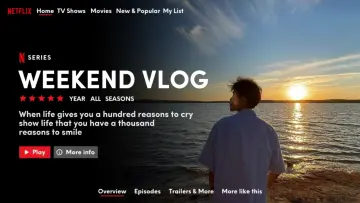

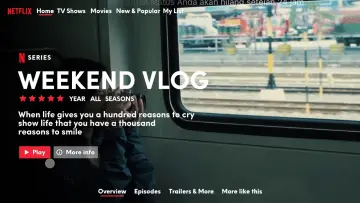 NetflixStreaming-style intros and posters for birthdays, couples and friends, fan-made and fun.20 templates
 PhotoPhoto-only CapCut templates with 3D zoom, parallax and beat flashes. No video needed.72 templates
 Photo DumpFast beat-synced recaps for your month, a trip or a whole year of photos.38 templates

 GirlsSelfie beat-syncs, outfit transitions, makeup reveals and bestie reels for girls.26 templates

 AestheticSoft pastel tones, film grain, slow pans and minimal text for calm, clean edits.28 templates

 Punjabi SongBhangra dance, dhol beat drops, swag walks and wedding edits on Punjabi tracks.31 templates