 0:16
0:16Walking into peace
395.2K uses1 clip
Trend · 20 templates
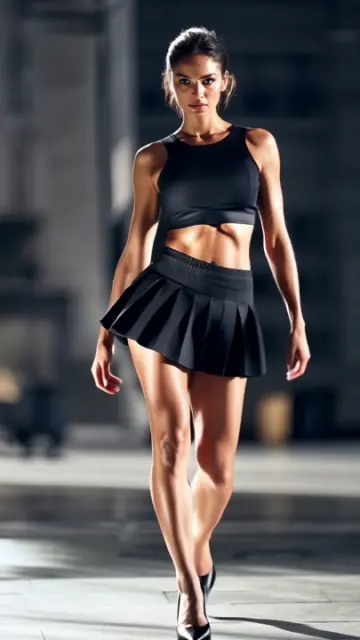
Pick a capcut template slow motion walk version from the grid and one good walking shot is all you need for a scene that feels like a film trailer. Each card shows its clip count and duration, so you know how much footage to record.
The secret is not the template, it is how you film the walk. This page covers where to shoot, camera settings that keep slow motion smooth, angles that make anyone look confident, and how to stay safe and polite while filming in public.
 Most used hereVELOCITY _ SLOWMO3.7M uses · 1 clipsOpen template
0:16
Most used hereVELOCITY _ SLOWMO3.7M uses · 1 clipsOpen template
0:16 0:10
0:10 0:15
0:15 0:13
0:13 0:13
0:13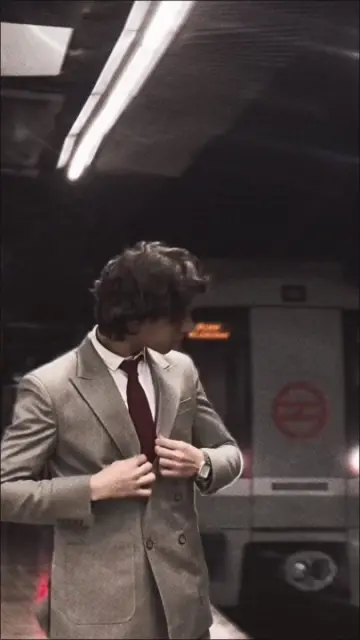 0:13
0:13 0:16
0:16 0:14
0:14 0:16
0:16 0:08
0:08 0:19
0:19 0:20
0:20 0:14
0:14 0:19
0:19 0:19
0:19 0:10
0:10 0:15
0:15 0:140:14
 0:20
0:20A slow motion walk edit takes a clip of someone walking towards or past the camera and slows it at the right beat, often with a zoom, a colour grade and a short title. Many versions need only one to three clips. Everything depends on smooth, steady footage, which is why the same slow walk capcut template can look very different from one phone to the next. It works for students, couples, brides and grooms, gym lovers and anyone who wants a clean intro clip.
In a slow walk edit, viewers watch the person, the outfit and the mood. Cutting between many clips breaks that feeling. One long, clean walk lets the template handle the speed change and the zoom. Record five or six takes of the same walk, then keep the one where your stride looks relaxed and your face stays in focus.
Dress for movement. A long coat, an open shirt, a dupatta or a flowing dress moves as you walk and looks lovely slowed down. Tight, plain clothes give the template less to work with.
A college corridor, a garden path or an empty lane. Lines on both sides lead the eye to you and make the shot feel deep.
A beach, a field or a park at golden hour. Wide space and soft light give the edit a calm, filmy look.
A hallway, a staircase or a hotel lobby. Ask staff first, and use spots with bright, even light.
If the Use Template button does nothing, our CapCut template not showing guide explains the usual causes and the backup options on each template page.
Most people walk stiffly when a camera points at them. Look at a spot just past the lens, let your arms swing a little and keep your chin level. A hand in a pocket or a jacket over one shoulder gives your hands something to do. Shoes matter too: firm soles make a solid step that looks good slowed down, while loose slippers flap.
Editor tip: Ask your friend to stand still and let you walk past, then do a second take where they turn with you. Turning shots look smooth, and nobody has to walk backwards and risk a fall.
Choose by mood, and check the duration on each CapCut template slow motion walk card: short versions suit a quick hook, longer ones need a longer walk. Attitude walks with heavy beats suit our CapCut attitude templates. Soft, wide walks with film bars suit the cinematic CapCut templates. If you filmed the same walk from several angles, a multi-clip version like the saura CapCut template uses them well. For every other kind of speed edit, browse the full CapCut template slow motion collection.
Safety: do not film walks on roads with traffic, on railway tracks or near edges and ledges. Never film while driving. Ask people before they appear in your video, ask permission in malls and private places, and respect signs that say no filming.
Use normal video at 1080p and 60fps. It gives enough frames for smooth slowing and keeps the image sharp. The Slo-mo mode records even more frames but can be darker and lower in detail on some phones, so use it only in bright daylight and test one clip first.
Yes. Rest the phone on a wall, a bench or a small tripod at waist height, lock focus on the spot where you will pass, press record and walk. Do a few takes and check each one. A cheap phone holder makes this much easier than balancing it on objects.
Jerky slow motion usually means the clip was shot at 30fps, the light was low, or the phone moved. Switch to 60fps, film in daylight, and keep the camera still while the walker moves. Also add the original clip from your gallery, not a copy sent through a chat app.
Longer than the slot shown in the preview. Slowing stretches time, so a short walk can run out before the slot ends. Recording eight to twelve seconds of walking gives the template room to choose the best part, and you can move the clip inside the slot if needed.
If the version shows a title or name line in its preview, you can usually tap it and type your own text before you export. Keep it short, like a first name or a handle. Versions without a text line in the preview usually do not have one to edit.
Yes. A slow motion walk CapCut template edit is short, vertical and easy to watch, which suits Reels and YouTube Shorts. Export at 1080p in 9:16, turn on the highest upload quality in Instagram settings, and pick a cover frame where your face is clear and in focus.


 Slow MotionSmooth slowmo, blur and zoom CapCut templates, plus shooting tips for clean slow motion.214 templates

 AttitudeConfident walk-ins, sunglasses reveals and bass-drop edits with short bold text.37 templates

 CinematicMovie-style edits with black bars, rich color, wide shots and golden light.46 templates SauraCinematic slow motion edits shared under the saura name, with shooting tips.Open
  Camera LentaSlow motion edits for hair flips, splashes, spins and walks, under a Spanish name.1 template
 StarboyMoody night attitude edits with dark tones, city lights and slow, confident moves.11 templates
 GirlsSelfie beat-syncs, outfit transitions, makeup reveals and bestie reels for girls.26 templates

 GymWorkout edits for heavy lifts, pump shots and before-and-after transformations.13 templates