 0:29
0:29birthday party
4.5K uses11 clips
Category · 53 templates
Choose a birthday template CapCut edit from the grid below and you can turn a few photos and a short wish into a video in minutes. There are countdowns, cake reveals, then-and-now montages and new trend styles for every age.
Each card shows the duration and clip count, so you know how many photos to collect. Below the grid you will find ideas for each person, help with writing the name and wish, and a simple plan to post right at midnight.
 Most used hereHappy Birthday3.8M uses · 4 clipsOpen template
0:29
Most used hereHappy Birthday3.8M uses · 4 clipsOpen template
0:29 0:24
0:24 0:33
0:33 0:55
0:55 0:16
0:16 0:55
0:55 0:22
0:22 0:12
0:12 0:22
0:22 0:14
0:14 0:11
0:11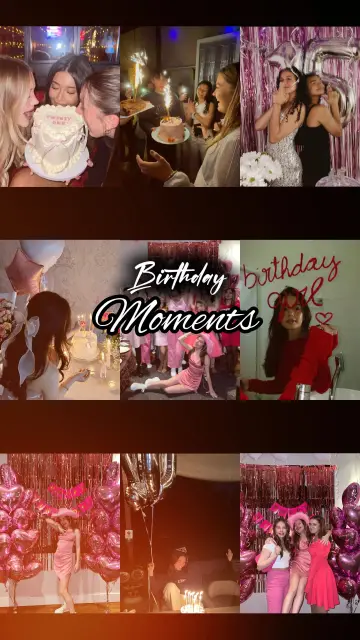 0:15
0:15 0:14
0:14 1:01
1:01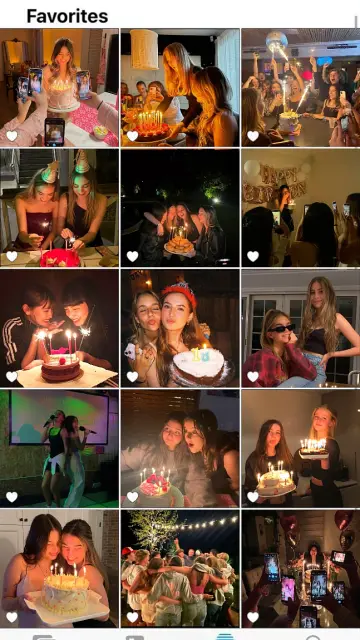 0:20
0:20 0:14
0:14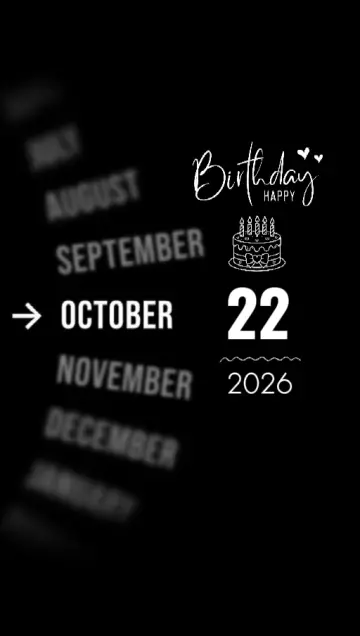 New0:23
 0:17
0:17 0:20
0:20 0:15
0:15 0:11
0:11 0:12
0:12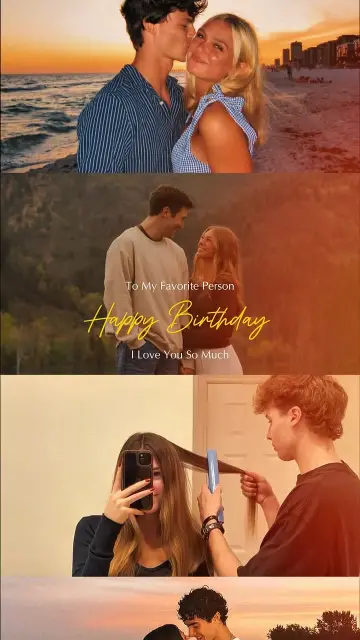 0:22
0:22 0:25
0:25The right happy birthday CapCut template depends on the person, not on the trend. Start there, then pick the style.
Numbers count down to the name or a cake reveal. A countdown CapCut template happy birthday edit suits midnight posts, because the timing feels like an event.
Many photos on the beat. Choose this when you have lots of pictures but few videos. For slower layouts, browse the CapCut template photo collection, or go faster with a photo dump CapCut template.
A childhood picture first, a recent one after. Order matters here, so put the oldest photo in the first slot.
A short clip of the candles being blown out makes a strong final shot. Film it vertically and close enough to see the face light up.
First time filling a template? Our guide on how to use a CapCut template shows every screen, from the link to the export.
Use the name they actually go by, even a nickname. Write one short line in your own words, in English, Hindi, Urdu, Bangla or any language you both speak. Check that the font shows your language properly.
Long paragraphs that flash past too fast to read. Copying song lyrics or famous poems into the text. Private details such as their full date of birth, address or phone number.
For a partner, the CapCut template love collection offers softer music and romantic text styles that pair well with a personal line.
Yes, if you prepare. Export the video in the evening, save your caption in your notes app so you can paste it, and set an alarm a few minutes before midnight. Some Instagram and Facebook accounts can schedule posts, which saves staying up. Stories disappear after a day, so post a Reel or keep the file if you want the memory to last.
Editor tip: Send the video privately to the birthday person first, then post it. Many people love getting it in their chat before everyone else, and it gives them a chance to say no to a photo.
Ask before posting photos of children or of anyone who keeps their accounts private. When in doubt, share the video in a private chat instead of a public post.
After adding your photos, tap the text option on the template edit screen. You will see each text box the creator left editable. Tap one, type the name and wish, then preview. If no text option appears, the creator locked the text, so choose another template.
Yes, most templates accept both. Short clips of laughing, dancing or blowing out candles add life. Keep each clip a few seconds longer than its slot so the template can trim it, and film vertically so faces are not cropped.
Slow, soft birthday template CapCut edits with room for several photos work well for mothers. Mix old family pictures with new ones and end with one clear line from you. Skip very fast beat edits, since the photos fly by before anyone can enjoy them.
Watch the previews and look at the uses count on each card. New templates are added to the site regularly, and a high uses count shows that many people are picking it. Trend templates often share the music and transition style you keep seeing on Reels and Shorts.
Usually the photo is too small, such as a screenshot or an image a chat app compressed. Ask for the original file, or ask the sender to share it as a document so it keeps its quality. Export at 1080p and avoid zooming into tiny photos.
Yes. Open the template page on your computer and scan its QR code with your phone to open the template in CapCut, then fill it on the phone. Our CapCut template QR code guide explains the scan step and what to do if it fails.


 PhotoPhoto-only CapCut templates with 3D zoom, parallax and beat flashes. No video needed.72 templates
 CoupleSplit screen, anniversary, pre-wedding and cute everyday couple edits for two.56 templates

 LoveRomantic and family love edits for anniversaries, partners, parents and best friends.74 templates
 Photo DumpFast beat-synced recaps for your month, a trip or a whole year of photos.38 templates

 Diwali & FestivalsFestival templates for Diwali, Holi, Eid, Navratri, Christmas and New Year wishes.28 templates
 Loading EffectA loading bar fills up, then your news, photo or surprise appears on screen.2 templates

 NetflixStreaming-style intros and posters for birthdays, couples and friends, fan-made and fun.20 templates

 30 SecondsLonger 30 second templates for Reels with room for a hook, a story and a payoff.8 templates