 0:24
0:24Girlfriends day
942.1K uses21 clips
Category · 26 templates
Pick a free CapCut template new trend girl edit here for selfies, outfit changes, makeup looks and bestie moments, then open it in the CapCut app with one tap. The grid below is updated daily, so the newest styles sit near the top.
Every template has a preview video, a Use Template button, a backup link and a QR code for computers. Check the clip count and duration on each card first, so you know how many photos or videos to keep ready.
 Most used hereAntal hayat1.9M uses · 4 clipsOpen template
0:24
Most used hereAntal hayat1.9M uses · 4 clipsOpen template
0:24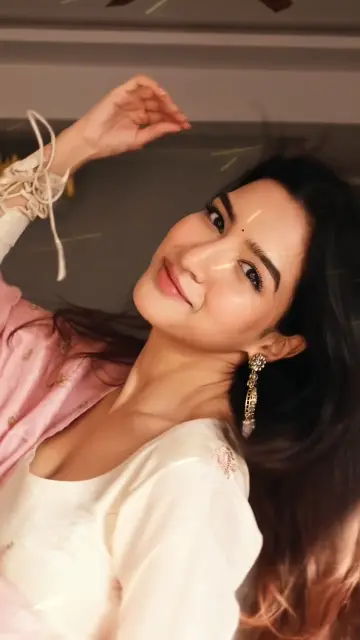 0:16
0:16 0:14
0:14 0:13
0:13 0:14
0:14 0:18
0:18 0:12
0:12 0:18
0:18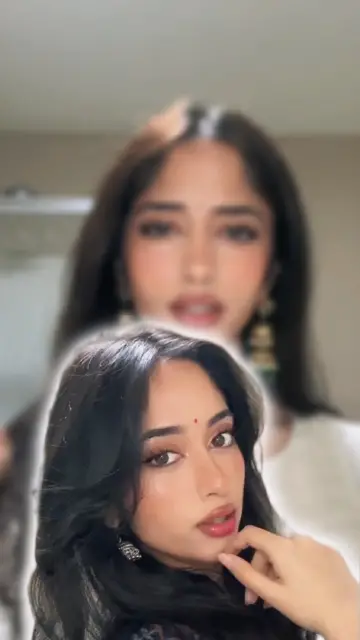 0:14
0:14 0:13
0:13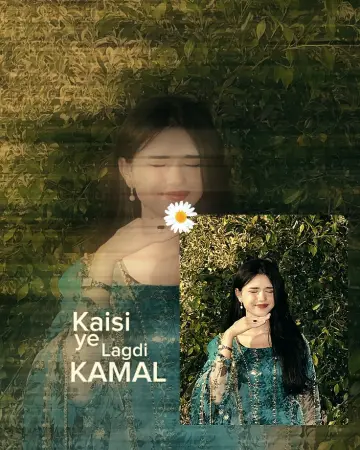 0:19
0:19 0:14
0:14 0:13
0:13 0:130:20
 0:17
0:17 0:17
0:17 0:15
0:15 0:25
0:25 0:15
0:15 0:13
0:13 0:10
0:10 0:25
0:25 0:17
0:17Start with what is already in your gallery. Most girl edits fall into a few clear types, and each one needs different footage.
A template gives you the cuts and the music. The personal part comes from your choices. Swap the default text for a short caption in your own words, like the name of the event or a line about your mood. Keep it to five or six words so it can be read in one beat.
Colour matters too. If you like soft, calm tones, an aesthetic CapCut template often has a gentle grade built in. For dreamy, slowed-down clips with a glow, the fantasize CapCut template trend is a good match. Avoid stacking heavy beauty filters on a template that already has its own effect, as skin can start to look flat and waxy.
Before you post, look at every frame. A selfie can show more than your face: your street, your school badge or the view from your window.
Export at 1080p for Instagram Reels, YouTube Shorts and TikTok. Choose 30fps for photo edits and 60fps only if your clips were filmed at 60fps. Keep the frame at 9:16 so nothing gets cropped on upload.
Editor tip: Clean your camera lens before every selfie session. A smudge adds a soft haze that no filter can fix, and it shows badly on the sharp cuts these templates use. New to the editor? Our CapCut template use guide walks through each step.
Tap a template in the grid to open its page, then press Use Template in CapCut. The CapCut app opens with that template loaded. Pick your photos or videos in the order shown, change the text, preview it and export at 1080p. On a computer, scan the QR code with your phone instead.
Beat-sync templates with many short clip slots suit selfies best, because each photo gets a quick cut on the beat. Look at the clip count on the card and pick one that matches how many selfies you have. Slow, soft templates suit fewer photos and a calmer mood.
Yes. Most of these templates accept any photo or clip, so a group shot works as well as a solo selfie. Put the clearest group photo first, since it often becomes the cover frame. Ask each friend before you post the edit on a public account.
Usually the phone moved, or you stood in a different spot between clips. Keep the phone fixed on a stand, mark your place on the floor and end each clip with the same move. Film every outfit in one session so the light stays the same too.
Yes. They export as normal 9:16 vertical videos, which fit Instagram Reels, YouTube Shorts and TikTok. Export at 1080p, then upload from your gallery. If a platform mutes the sound, pick a song from that app's own music library instead.
The templates listed here are free to open from this page. Some templates may include Pro elements inside the CapCut app, and CapCut labels those in the editor. CCTemplates is an independent directory and is not part of CapCut or ByteDance.


 Glow UpThen vs now transformation edits for fitness, style, rooms and skills, with matched shots.23 templates

 AestheticSoft pastel tones, film grain, slow pans and minimal text for calm, clean edits.28 templates

 FantasizeSoft, glowy pastel templates with slow zooms, plus tips on light and photo choice.19 templates
 PhotoPhoto-only CapCut templates with 3D zoom, parallax and beat flashes. No video needed.72 templates
 Photo DumpFast beat-synced recaps for your month, a trip or a whole year of photos.38 templates
 CoupleSplit screen, anniversary, pre-wedding and cute everyday couple edits for two.56 templates

 iPhoneClean, bright iPhone-style edits, plus help using templates on an iPhone.21 templates

 FilterColor-grade templates: vintage, film, warm, moody and clean phone looks.41 templates