 0:25
0:25Punjabi Sad Song
338.2K uses1 clip
Category · 30 templates
Every CapCut template sad edit in this collection is made for quiet feelings: heartbreak, missing someone, a rainy window or an old photo in black and white. Pick a preview, add your clips, and the slow pacing and soft text are already timed.
Each card shows duration, clips and uses. Below the grid you will find the clips that suit each mood, how long text should stay on screen, and how to keep sad edits honest and respectful.
 Most used heresad trend slow mo3M uses · 2 clipsOpen template
0:25
Most used heresad trend slow mo3M uses · 2 clipsOpen template
0:25 0:14
0:14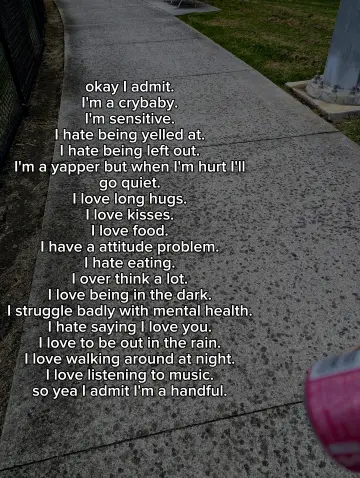 0:13
0:13 0:15
0:15 0:28
0:28 0:17
0:17 0:14
0:14 0:12
0:12 0:17
0:17 0:13
0:13 0:14
0:14 0:14
0:14 0:16
0:16 0:16
0:16 0:17
0:17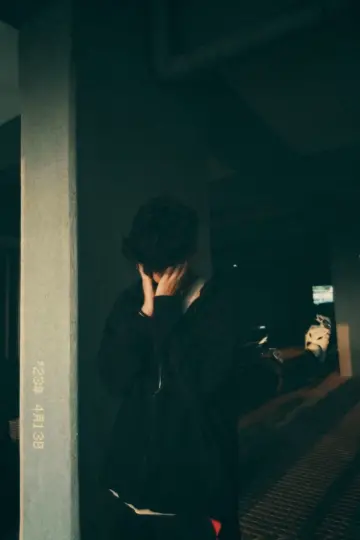 0:14
0:14 0:16
0:16 0:21
0:21 0:22
0:22 0:21
0:21 0:15
0:15 0:26
0:26 0:23
0:23 0:30
0:30A sad capcut template is a slow edit built around a sad song or quiet music, with long holds, soft fades, muted colors and short lines of text. It gives a feeling room to breathe. People use them to share heartbreak, remember someone, or simply mark a heavy day. To open one, tap Use Template on its page. If that button never appears, see why a CapCut template is not showing.
| Text length | Rough time on screen | Works best with |
|---|---|---|
| One or two words | 1 to 2 seconds | A name, a date, a place |
| One short line | 2 to 3 seconds | Most sad templates use this |
| Two lines | 3 to 4 seconds | A still, simple clip behind it |
| A long quote | Avoid | Split it, or choose a text-led template |
If you want poetry-style text, choose templates where the creator already added it. The CapCut template shayari collection is built for that, and the CapCut template Hindi song lyrics page has words animated by creators. We do not print poems or lyrics, so if you add text, write a short line of your own.
A capcut template sad boy edit usually shows one person alone: a walk, a parked bike at night, a quiet rooftop. Keep it calm rather than dramatic, and skip smoking or risky spots for the shot.
A capcut template sad song edit leans on the music. Place your strongest clip where the vocals rise and keep the rest simple. The ical CapCut template trend has popular sad versions worth a look.
Do not post photos of an ex or anyone else to shame or target them. Ask family before sharing photos of someone who has passed away. If you have been feeling low for a long time, talk to someone you trust or a local helpline. An edit can share a feeling, but you do not have to carry it alone.
Editor tip: Lower saturation a little instead of going fully grey. A soft, faded look still feels sad but keeps skin and eyes alive. For pastel versions of this mood, browse the aesthetic CapCut template page.
Slow, steady clips with one clear subject: rain on a window, an empty road, a person walking away, old photos. Avoid busy, bright party clips. Filming at dusk or with a single lamp gives soft light that suits the mood without making the video too dark.
Many sad templates already remove color. If yours does not, export the video, open it in the normal CapCut editor and add a black and white filter or lower the saturation. Soft black and white usually looks better than harsh, high-contrast grey.
Yes, and many people do this to remember a loved one. Pick a slow template with long holds so each photo has time. Ask close family before posting, keep the text simple and kind, and consider sharing it privately first.
Dark footage plus a dark grade turns muddy. Film with some light on the face, such as a window or a lamp, and let the template add the mood. If it is still too dark, raise brightness a little in the normal editor after export.
Sharing your own feelings is fine. Avoid naming, tagging or showing the other person, and do not share private chats or photos of them. Focus on your side of the story: places, weather, music. That keeps it honest without hurting anyone.
Watch the previews in the grid above with sound on, since plenty of sad templates are set to Hindi tracks. For more Bollywood moods, including romantic and slowed styles, browse the CapCut template Hindi song collection.

 ShayariTwo-line Urdu and Hindi shayari edits with calm clips, clear fonts and timing tips.38 templates

 Hindi LyricsLyric-style Hindi song edits with text timed to the beat, plus readability tips.34 templates

 iCalSad, slow motion and Punjabi song versions of the iCal trend, each with a working link.21 templates

 AestheticSoft pastel tones, film grain, slow pans and minimal text for calm, clean edits.28 templates

 LoveRomantic and family love edits for anniversaries, partners, parents and best friends.74 templates

 Hindi SongBollywood song templates in romantic, sad, slowed and retro moods.55 templates
 Slow MotionSmooth slowmo, blur and zoom CapCut templates, plus shooting tips for clean slow motion.214 templates

 CinematicMovie-style edits with black bars, rich color, wide shots and golden light.46 templates