 0:21
0:21photo dump
15.7K uses48 clips
Category · 38 templates
A photo dump CapCut template takes a big pile of pictures, often 20 or more, and flashes them on the beat so a whole month or trip fits into a few seconds. Choose a preview below, pick your photos and the template handles the rhythm.
Every card shows the number of clips, so you know how many photos you need before you start. Below the grid you will find dump ideas, a photos-per-second table and a simple way to order pictures so the recap tells a story.
 Most used herebirthday grid dump2.8M uses · 44 clipsOpen template
0:21
Most used herebirthday grid dump2.8M uses · 44 clipsOpen template
0:21 0:19
0:19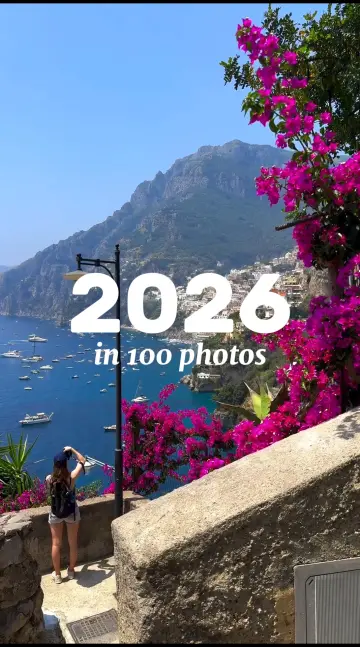 0:16
0:16 0:13
0:13 0:10
0:10 0:13
0:13 0:10
0:10 0:06
0:06 0:18
0:18 0:13
0:13 0:30
0:30 0:30
0:30 0:16
0:16 0:17
0:17 0:16
0:16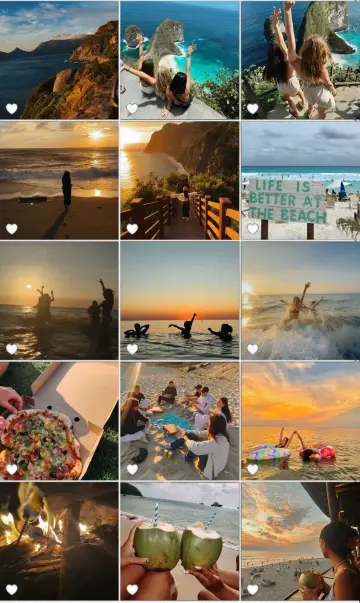 0:20
0:20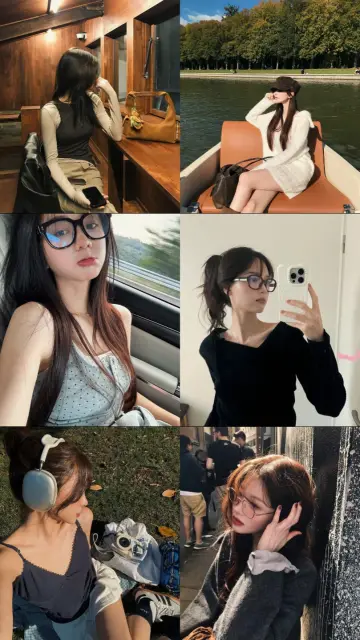 0:19
0:19 0:28
0:28 0:16
0:16 0:07
0:07 0:12
0:12 0:07
0:07 0:11
0:11 0:12
0:12A photo dump is a casual set of photos shared together, without one perfect hero shot. In video form, a capcut photo dump template shows each picture for a split second, synced to the beat, often with a flash, shake or zoom between them. It feels fun and unplanned, but the best ones are ordered with care.
It depends on the clip count and the duration shown on each card. Divide the length by the number of photos to see how long each one stays on screen.
| Photos | Template length | Time per photo | How it feels |
|---|---|---|---|
| 10 | 10 seconds | 1 second | Calm, each photo is easy to see |
| 20 | 10 seconds | Half a second | The classic dump pace |
| 30 | 10 seconds | About a third of a second | Very fast, good for a busy trip |
| 20 | 20 seconds | 1 second | Relaxed recap with room for text |
Editor tip: Fast dumps hide small details. Choose photos with one clear subject, like a face, a plate or a sign. Busy group shots are hard to read in half a second.
No. Photo dumps use many sounds, though some songs become the go-to dump track for a while. The CapCut Gata Only template trend, for example, has photo dump versions that many people use. For slower layouts with fewer, bigger photos, try the CapCut template photo collection. Filling a template for the first time? Read how to use a CapCut template for each step.
Yes, many templates accept both. A short video clip plays only for the length of its slot, so make sure the action happens in the first second. A few clips of laughter or movement among still photos make the dump feel more alive.
The template is vertical 9:16, so wide or square photos get cropped. After filling the slots, tap a photo on the edit screen and adjust the crop to keep faces in frame. Choosing vertical photos from the start avoids most of this.
Look at the clip count on each card in the grid. A high clip count means the template takes many photos. Watch the preview too, since fast dumps with many slots need clear, simple pictures to look good.
CapCut usually asks you to fill every slot. You can reuse a photo with a different crop, add a short video clip, or choose a template with a lower clip count. Repeating the same photo back to back looks like a mistake, so space repeats apart.
Yes. Short, fast videos are easy to rewatch, which suits Reels, YouTube Shorts and TikTok. Add a short caption that says what the dump is about, such as the month or the place, so viewers know the story before the photos fly past.
Pick a theme, such as one trip, one month or one group of friends, and leave out photos that do not fit. Order them by place or time, and use photos with similar colors or light. A consistent look makes even a fast dump feel planned.

 PhotoPhoto-only CapCut templates with 3D zoom, parallax and beat flashes. No video needed.72 templates

 Mini VlogShort vlog templates for daily life, trips and study days, built from small moments.44 templates

 Gata OnlyPhoto dump, velocity and slowed versions of the Gata Only trend, with timing tips.22 templates
 BirthdayHappy birthday wish edits for family, friends and partners, ready before midnight.53 templates

 AestheticSoft pastel tones, film grain, slow pans and minimal text for calm, clean edits.28 templates

 La La LaCatchy sing-along edits for friends, cousins and classmates, timed to a bouncy beat.10 templates

 30 SecondsLonger 30 second templates for Reels with room for a hook, a story and a payoff.8 templates

 Instagram ReelsTrending 9:16 CapCut templates picked for Instagram Reels, with posting and audio tips.77 templates