 New0:15
Bhojpuri Attitude
5.4K uses4 clips
Category · 37 templates
This CapCut template attitude collection is made for confident edits: slow walk-ins, sunglasses reveals, outfit checks and hard cuts on the bass drop. Pick a preview, add your clips, and the swagger is already timed to the music.
Every card shows uses, clip count and duration, and each template page has a Use Template button, a backup link and a QR code. Below the grid you will find a walk-in shot list, text rules and a few safety lines worth following.
 Most used hereInstagram Trending3.1M uses · 1 clipsOpen template
New0:15
Most used hereInstagram Trending3.1M uses · 1 clipsOpen template
New0:15 0:11
0:11 0:14
0:14 0:13
0:13 0:14
0:14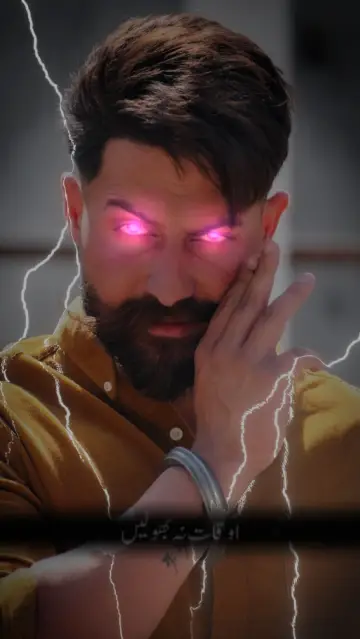 0:11
0:11 0:18
0:18 0:14
0:14 0:17
0:17 0:11
0:11 0:12
0:12 0:13
0:13 0:13
0:13 0:15
0:15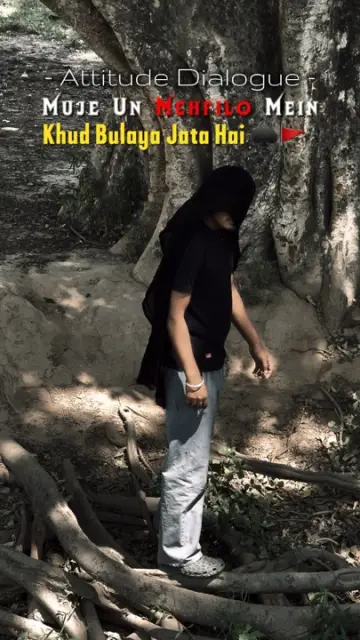 0:14
0:14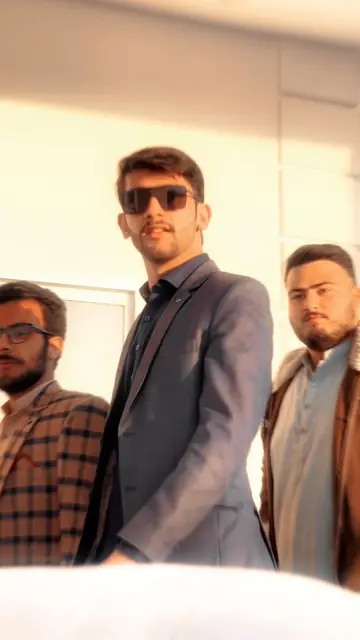 0:22
0:22 0:15
0:15 0:18
0:18 0:20
0:20 0:13
0:13 0:14
0:14 0:13
0:13 0:16
0:16 0:23
0:23Attitude edits are about presence. You walk, turn, look into the lens, and the music hits. The best ones feel calm and sure of themselves, not angry. Clean clips, straight posture and one strong moment on the beat drop do more than any effect. A capcut template for reels attitude style usually runs short, so every second needs to count.
Editor tip: Ask a friend to hold the phone at chest height and walk backwards ahead of you on a flat, empty path, keeping the same distance. It looks smoother than a fixed phone and gives you the gliding feel seen in many previews.
Keep attitude edits safe and legal. Never film while driving or riding, and do not do stunts for a clip. Shoot vehicles while they are parked. Do not show weapons, real or fake, and leave threats out of your text and gestures. Platforms remove such videos, and they can cause real trouble offline too.
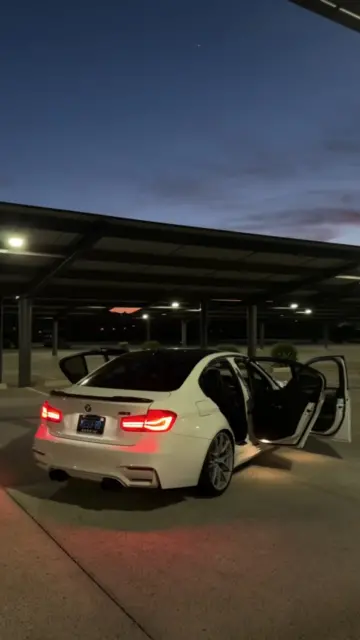
A bike or car is fine as a background. Stand next to it, lean on it, or film the keys and the headlight. That says the same thing without any risk.
If you like desi tough-guy styles, look at the CapCut template badmashi collection and the CapCut template gunda page. For Bhojpuri and Hindi beats with a swagger feel, see the CapCut template rangdari trend. Film-style dark grades sit in the CapCut template gangster collection. All of these are about style, not violence, so the same safety lines apply. Working from a laptop? The CapCut template QR code guide shows how to open any template on your phone in seconds.
Attitude templates use many tracks, often with heavy bass, slowed rap, or Punjabi and Hindi beats. The song is chosen by the template creator and plays in the preview. Watch it with sound on before you choose, because the music sets the whole mood.
Yes. Film your shoes on a walk, your hands adjusting a watch, your shadow, or your back as you walk away. A silhouette against the sunset works too. These clips feel confident and keep your face private if you prefer.
Choose templates with zooms, flashes and shake effects, since they add movement to still pictures. Use sharp full-body photos with clean backgrounds. Group photos and dark selfies lose their impact when each picture is on screen for less than a second.
The clip was probably recorded at 30fps and then slowed down, which leaves gaps between frames. Record at 60fps in good light and keep the phone steady. Bright light matters too, because many phones lower the frame rate or add blur in the dark.
Fill the clips first, then open the text option on the template edit screen and tap the text box. Type your name or line, keep it short and preview the result. If the template has no editable text, add text later in the normal CapCut editor.
Yes. The export is a vertical video that works on YouTube Shorts, Instagram Reels and TikTok. Check that the sound is allowed on each app. Keep the content free of weapons, threats and dangerous stunts so it stays within each platform's rules.


 BadmashiPlayful desi swag walk-ins, slow looks and Haryanvi or Punjabi beat edits.10 templates

 GangsterFilm noir gangster edits: black and white, hard shadows, slow walks and title cards.20 templates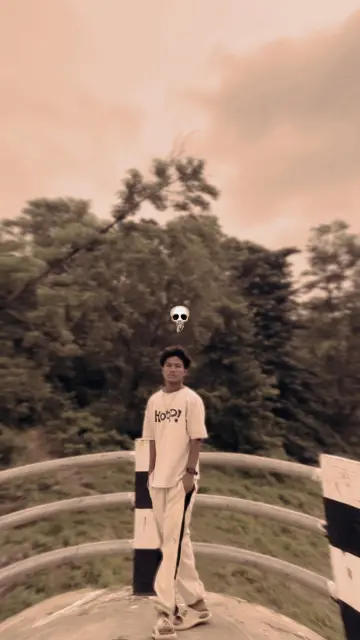
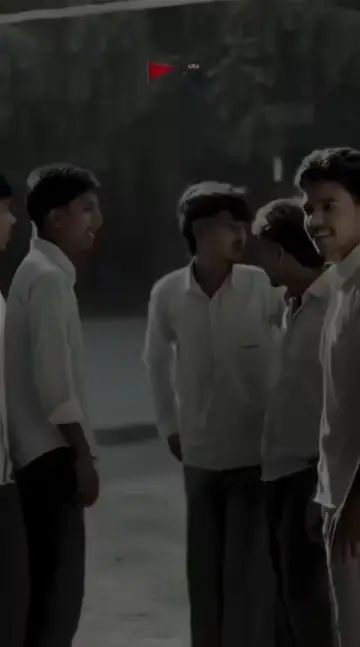 GundaFilmy hero-entry and dialogue edits with slow motion, kept fun and threat-free.2 templates
  RangdariDesi swagger edits on Bhojpuri and Hindi beats, all about style, confidence and fun.20 templates
 StarboyMoody night attitude edits with dark tones, city lights and slow, confident moves.11 templates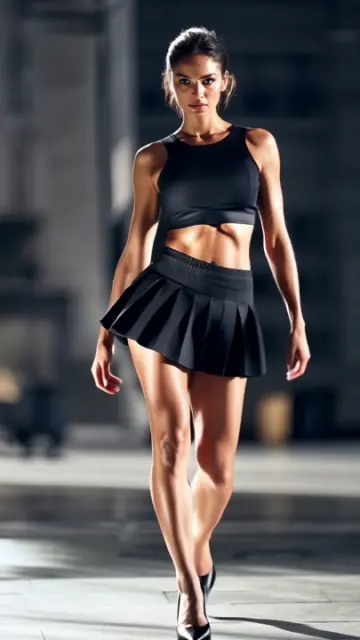

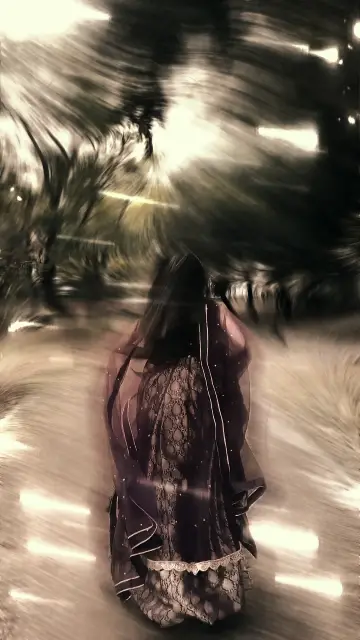 Slow Motion WalkOne walking shot made cinematic with slow motion, low angles and a steady phone.20 templates

 CarHeadlight reveals, wheel close-ups, night glow and interior shots for car lovers.38 templates
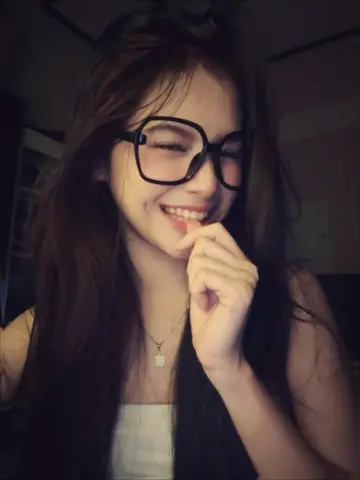
 Bass Da Da DaHard cuts on every bass hit, made for punchy clips and quick attitude edits.25 templates